
K1 Game APK Download —— Play Pakistan’s Top Online Games!

Download the latest K1 Game APK to play Teen Patti, Andar Bahar, Rummy, Poker, Slots, Fishing Games, Dragon Tiger, and Aviator —— Pakistan’s most popular online entertainment titles, unlock rewards!
How to download K1 Game APP?
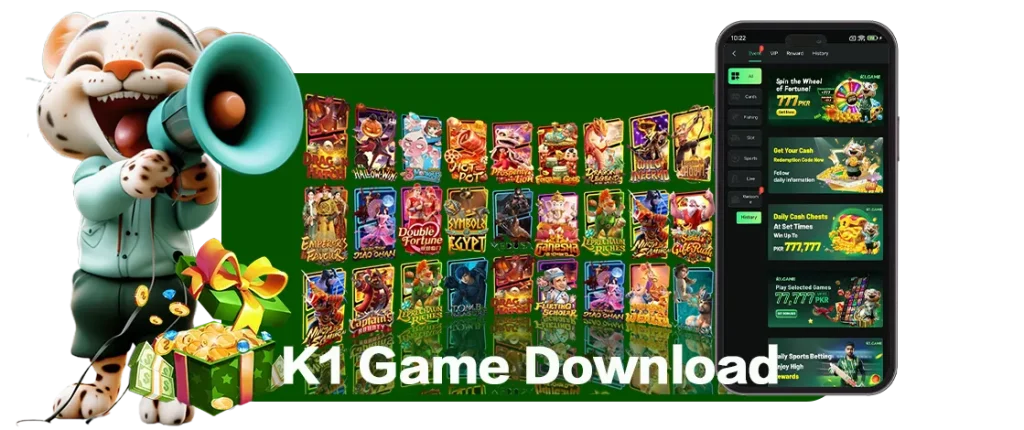
Supported Devices and Requirements
K1 Game supports Android devices through the official APK file. The current APK requirement is Android 6.0 or above. Users should make sure their device has enough storage space and a stable internet connection before downloading the APK.
Why Download K1 Game APK?
Downloading the K1 Game APK allows you to instantly dive into your favorite card games, fishing titles, slots, and arcade action while gaining exclusive access to app-only rewards and limited-time promotions. Meticulously engineered for Android users seeking the fastest and most convenient access, this APK eliminates the need to manually open a web browser every time. With a single installation, you can launch the platform directly from your mobile home screen with just one tap, anytime, anywhere!
Installation guide
Account creation
After installing the application, you need to register a game account.
K1 Game Download FAQ
What is K1 Game APK?
K1 Game APK is the Android installation file for the K1 Game platform. Android users can download the APK to access K1 Game directly from their mobile device instead of opening the website manually every time.
How can I download K1 Game APK?
You can download K1 Game APK from the official K1 Game download page. Click the download button, save the APK file on your Android device and follow the installation steps shown on this page.
Is K1 Game available for Android?
Yes. K1 Game provides APK access for Android users. The current requirement is Android 6.0 or above. Users should check their device settings and storage space before installing the APK.
What is the latest K1 Game version?
The latest version listed on this page is K1 Game v0.7.52. Users should download the APK from the official K1 Game website to access the newest available version.
What is the APK size of K1 Game?
The K1 Game APK size is 2.75 MB. The lightweight file size helps users download the APK quickly, depending on their internet speed and device condition.
Can I use K1 Game without installing the APK?
Yes. Users who do not want to install the APK can use the K1 Game web version through a supported browser. The web version is suitable for mobile, PC and browser-based access.
Does K1 Game have a web version?
Yes. K1 Game supports web version access. Users can open the K1 Game web version from a browser and access the platform without installing the Android APK.
What payment methods does K1 Game support?
K1 Game supports local payment options in supported regions. Available methods may include JazzCash, EasyPaisa, bank transfer and other official payment channels according to platform instructions.
Does K1 Game include games from known providers?
Yes. K1 Game includes games from trusted content providers such as JILI, PG, JDB, FC and other available game partners. Users can explore different game categories through the APK or web version.
How can I contact K1 Game support?
Users can contact K1 Game support through the official contact page or support channel provided on the platform. For download, login, payment or account questions, always use the official support information.